


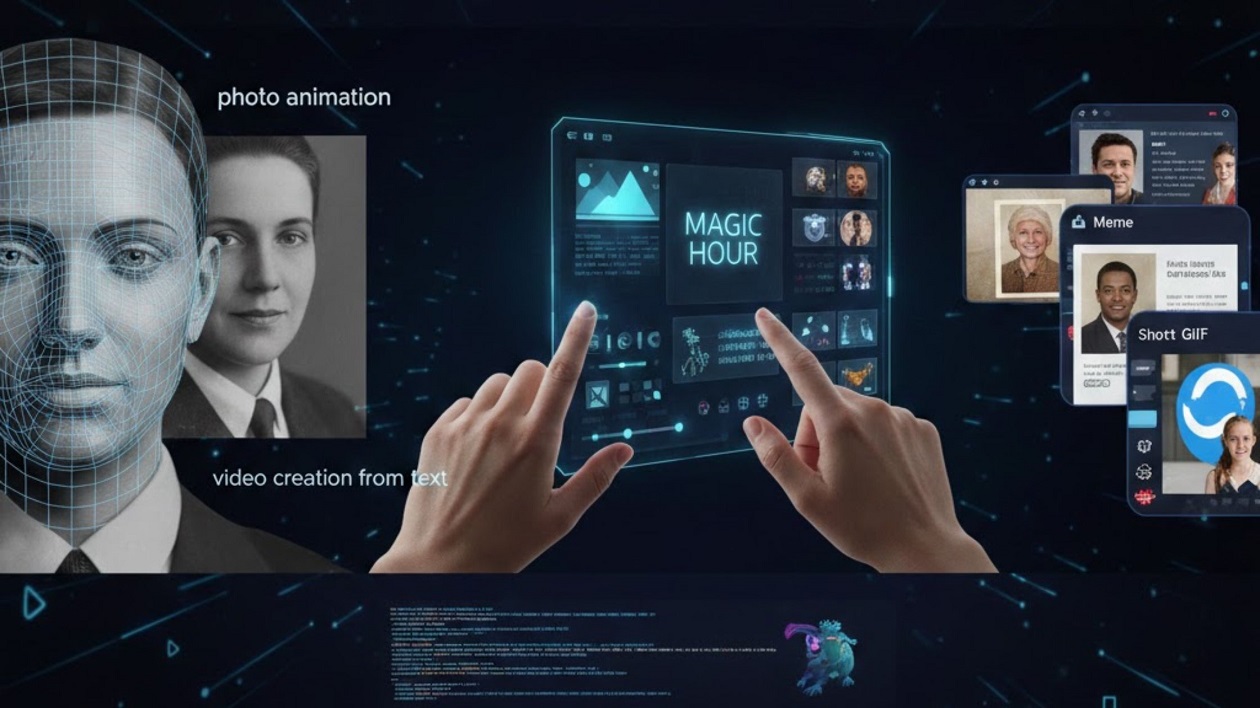
As of February 2026, AI tools for image editing, face swapping, and generating videos from text have reached unprecedented quality and usability. After testing the leading platforms for creators, developers, and marketers, I can confidently say that at least one of these tools will meet your project needs. This guide compares the best options, highlighting capabilities, pricing, and practical considerations.
Best AI Tools at a Glance
| Tool | Use Case | Modalities | Platforms | Free Plan | Notable Feature |
| Magic Hour | Face swap, AI talking photos, lip sync | Photo, video | Web, iOS, Android | Yes, generous | One-click multi-step workflows & frontier AI models |
| Reface AI | Short video dubbing | Video | Web, Mobile | Limited | Fast face swaps in existing clips |
| Deep Nostalgia | Photo animation | Photo | Web | Free | Realistic facial animations |
| MyHeritage AI | Historical photo restoration & animation | Photo | Web, Mobile | Limited | Historical photo restoration & animation |
| TokkingHeads | Meme/video content | Video, GIF | Web | Free trial | Quick, entertaining animations |
1. Magic Hour
Magic Hour remains my top choice for professional-quality free AI face swap and AI talking photo generation. It also doubles as a full-featured AI image editor, letting you modify images, enhance quality, and apply creative transformations. One of the key advantages is that you can try it without signing up, and credits never expire.
Pros:
- Best-in-class face swap and lip sync
- Supports talking photos and video creation from text
- Full AI image editor functionality for advanced edits
- Click-to-create templates and one-click multi-step workflows (generate → upscale → video)
- Fast variations and multiple takes
- Parallel generations with no concurrency cap
- Weekly feature releases
- Optimized for desktop and mobile
- Full API parity
- Generous free tier
- Founder-level support
Cons:
- Advanced features may require a Pro plan
- Initial interface may feel complex for new users
After testing, Magic Hour proved exceptionally reliable at scale, even during live activations and traffic spikes. If you want to create videos from text or edit images professionally using AI, this is hard to beat.
Pricing:
- Free: generous access
- Creator: $15/month or $10/month billed annually
- Pro: $45/month
Learn more and try Magic Hour
2. Reface AIReface AI excels at fast face swaps in short clips. It’s ideal for creators producing social media content or memes.
Pros:
- Quick and intuitive
- Mobile-friendly
- Good for entertaining content
Cons:
- Limited AI model options
- Output quality depends on source clips
Reface AI is a good choice for quick results, but lacks Magic Hour’s advanced workflow, AI image editing capabilities, and API features.
Pricing:
- Free: limited features
- Premium: $7.99/month
Learn more
3. Deep Nostalgia
Deep Nostalgia animates historical or personal photos, bringing faces to life.
Pros:
- Realistic facial animations
- Simple interface
- Free access to basic animations
Cons:
- Limited customization
- No multi-step workflows
This tool works well for historical or nostalgic projects but doesn’t match Magic Hour for professional content creation or AI image editing.
Learn more
4. MyHeritage AI
Focuses on restoring and animating historical photos.
Pros:
- High-quality historical animations
- Simple workflow
Cons:
- Limited modern AI features
- Free tier is restricted
Learn more
5. TokkingHeads
TokkingHeads is best for memes, GIFs, and entertaining short clips.
Pros:
- Fast, fun animations
- Free trial available
Cons:
- Not suited for professional content
- Few customization options
Learn more
How We Chose These Tools
I spent over two weeks testing each platform on speed, output quality, and workflow efficiency. Evaluation criteria included:
- Accuracy of face swaps
- Lip sync quality
- AI image editor functionality
- Ability to create videos from text
- Workflow efficiency (generate → refine → export)
- Free tier value
- API access
- Desktop and mobile performance
Magic Hour consistently outperformed competitors across all metrics.
Market Trends
As of 2026, AI tools for face swap, talking photos, and video/image generation from text are growing rapidly. Platforms combining multi-model AI, fast rendering, and parallel processing dominate. The trend is toward tools that streamline production from idea to final media.
Final Takeaway
- Magic Hour: Best for creators needing professional free AI face swap, AI image editor, and video creation from text.
- Reface AI: Fast social media face swaps.
- Deep Nostalgia/MyHeritage AI: Historical photo animations.
- TokkingHeads: Entertaining GIFs and short clips.
Experiment with multiple platforms to see which fits your workflow best.
FAQ
Q1: Can I use Magic Hour on mobile?
Yes, Magic Hour is fully optimized for desktop, iOS, and Android.
Q2: Are there free AI face swap options?
Yes, Magic Hour, Deep Nostalgia, and TokkingHeads offer free tiers or trials.
Q3: Which tool is best for creating videos from text?
Magic Hour provides the most reliable workflow and features.
Q4: Can Magic Hour also function as an AI image editor?
Yes, it provides comprehensive AI image editing capabilities in addition to face swaps.
Q5: Can I generate multiple variations simultaneously?
Yes, Magic Hour supports parallel generations without concurrency limits.