

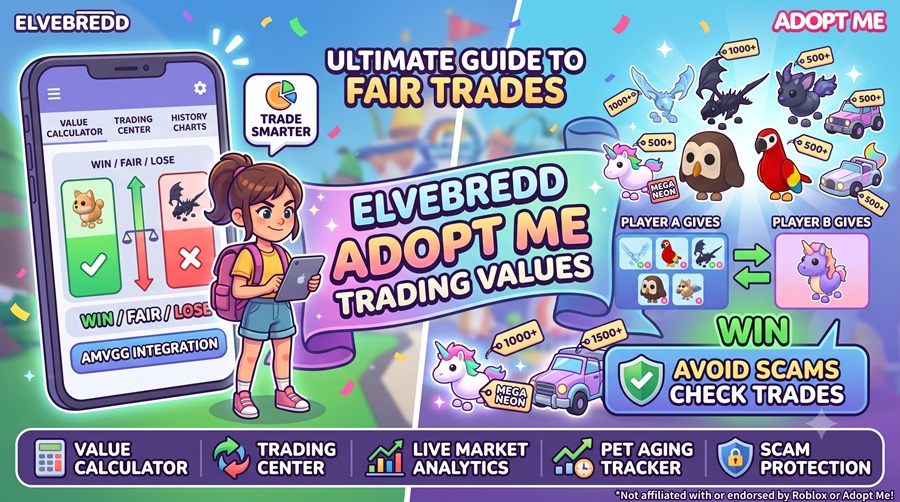
If you play Roblox Adopt Me!, you’ve probably heard players say, “Check Elvebredd first!” That’s because Elvebredd is one of the most popular Adopt Me value calculators, helping players determine whether a trade is a Win, Fair, or Lose (WFL) before accepting it. It uses community trade data and regularly updated values to help players make informed decisions.
What Is Elvebredd?
Elvebredd is a free Adopt Me trading tool that lets you:
| Feature | What It Does |
| WFL Calculator | Shows if a trade is Win, Fair, or Lose |
| Pet Value List | Displays current values for pets and items |
| Trading Center | Browse or post trade offers |
| Value History | Track value changes over time |
| Community Updates | Stay updated with market trends |
The platform works on both desktop and mobile, and there’s also an official mobile app available for Android and iOS.
How to Use Elvebredd for Adopt Me
Step 1: Open Elvebredd
Visit the Elvebredd website and open the Adopt Me Value Calculator. You’ll see two trade sections:
- Your Offer
- Their Offer
These represent both sides of the trade.
Step 2: Add Your Pets
Click Your Offer and search for the pet or item you’re trading.
Select the correct version, such as:
- Regular
- Neon
- Mega Neon
- Fly
- Ride
Then add it to your trade list.
Step 3: Add Their Pets
Now switch to Their Offer.
Search for every pet or item the other player is giving and add them one by one.
Be sure to choose the correct variants, as they affect the value.
Step 4: Check the WFL Result
Once both sides are complete, Elvebredd instantly compares the values.
You’ll usually see one of these results:
| Result | Meaning |
| 🟢 Win | You’re receiving more value. |
| ⚪ Fair | Both trades are close in value. |
| 🔴 Lose | You’re giving away more than you’re receive. |
This makes it much easier to avoid accidental overpaying.
Step 5: Review Before Accepting
Don’t rely only on numbers.
Before accepting:
- Check demand for each pet.
- Consider limited or event pets.
- Compare recent value changes.
- Decide if the trade is worth it for your collection.
Sometimes players intentionally accept a small loss if they’re collecting a specific pet.
Tips for Better Trading
- Always check values before confirming a trade.
- Verify Neon, Mega, Fly, and Ride variants.
- Compare multiple offers instead of accepting the first one.
- Keep an eye on value updates after major Adopt Me events.
- Never share your Roblox password with any third-party website. Elvebredd is designed as a value-checking tool and does not require your Roblox password to calculate trades.
Frequently Asked Questions
Is Elvebredd free?
Yes. The website can be used for free, while the mobile app also offers optional premium features.
How often are values updated?
Values are updated regularly based on community trading activity and market demand, so popular pets may change in value over time.
Can beginners use Elvebredd?
Absolutely. The interface is beginner-friendly and only requires you to add the pets from both sides of a trade to see the result.
Does Elvebredd guarantee every trade is accurate?
No. It provides estimated community values and WFL guidance, but player preferences and demand can still affect whether a trade is worthwhile. It’s best used as a decision-making tool rather than a guarantee.