

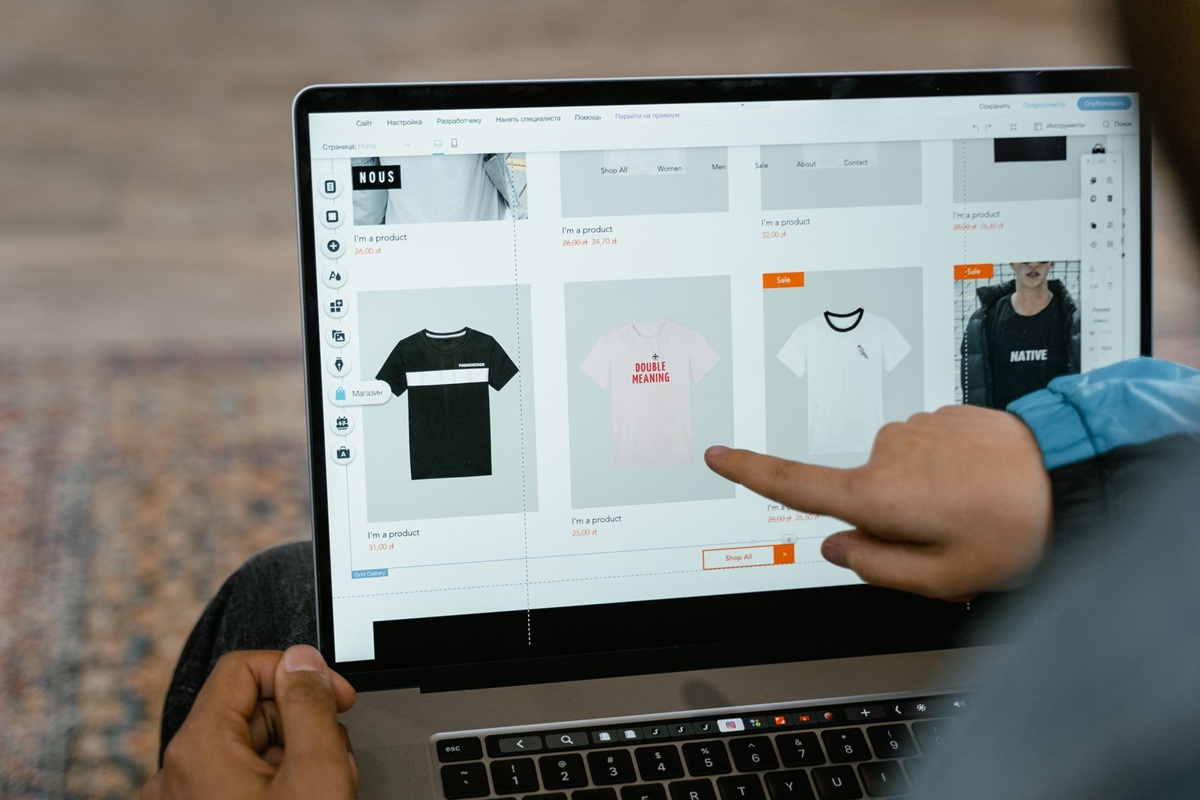
If you run a Shopify store in 2026, the threats eating into your margin rarely resemble a break-in. They look more like a spike in failed checkouts at 2 a.m., scraped product pages appearing on a competitor’s site, inventory that shows as reserved but never converts, and ad reports that no longer match reality. Card testing attacks, scraper bots, fake add-to-carts, and polluted analytics are now routine costs for direct-to-consumer operators and mid-market brands alike.
Our top pick is Nostra Edge Protect for Shopify merchants dealing with bot-driven threats at the source, including card testing, scraper bots, fake add-to-carts, and analytics skew. It uses edge-level behavioral AI rather than operating as another Shopify app. According to Nostra, deployment through DNS can be completed in under a business day, with the service designed to avoid affecting site speed. For post-checkout order fraud and cardholder verification, ApexGuard is the strongest alternative. Blockify is the accessible entry point for IP, country, and basic bot blocking through a straightforward app installation that requires no DNS changes.
This guide is for Shopify owners and operators who need practical help instead of a broad security lecture. We evaluated ecommerce security tools for Shopify based on threat fit, deployment method, setup effort, speed and SEO safety, pricing access, and Shopify compatibility. The result is a ranked list of the five best options, organized by the specific problem each one solves best.
How we chose
We did not rank these tools by feature count. We ranked them according to threat-to-tool fit for a working Shopify catalog, checkout, and ad stack in 2026.
Threat category addressed
We grouped tools by the work they actually do. Some stop pre-checkout bot traffic such as card testing and scraping, while others screen post-checkout orders for fraud signals, address risk, or cardholder identity. A tool scores well only when it is clear about the category it covers.
Deployment method: edge vs app layer
This distinction matters more than many lists admit. Edge-level bot filtering intercepts requests before they reach your store. Shopify security apps operate inside Shopify after the request has arrived. Each approach has a use, but app-layer controls are not interchangeable with edge filtering when a store faces high-volume bot traffic.
Setup complexity and time
We favored tools that a lean team can realistically deploy. That includes the installation path, whether DNS changes are required, and whether ongoing tuning or review queues create extra operational work.
Impact on site speed and SEO crawler access
Security should not cost you conversions or rankings. We checked whether a tool operates outside the storefront render path and how it handles verified search and AI crawlers. The need for precise filtering is clear from Markets Insider coverage of Radware research, which reported that bad bots accounted for 43% of holiday shopping traffic. Effective controls must allow legitimate crawlers while blocking abusive automation.
Pricing accessibility and Shopify compatibility
We considered whether pricing is transparent or sales-led, whether a free or low-cost entry point is available, and how cleanly the tool works with Shopify checkout, order flow, and fulfillment. Vague enterprise promises did not earn a tool extra credit.
The 5 best ecommerce security tools for Shopify stores
The right choice depends on where your store is losing money. Edge-level and app-layer tools address different problems, and they can complement one another. The five options below cover both layers, beginning with our top recommendation at No. 1 for stopping bot problems before they touch your store.
| Provider | Best for | Key strength | Deployment method |
| Nostra Edge Protect | Stopping bot threats at the network edge | Behavioral AI filtering before traffic hits Shopify | Edge via DNS, not a Shopify app |
| Blockify | Low-cost IP, country and bot blocking inside Shopify | Multiple block types in one app install | App layer inside Shopify |
| ApexGuard | Cardholder verification on flagged orders | Bank-statement verification of true cardholder | App layer, post-checkout screening |
| Tacey | AI order and address validation before fulfillment | PASS, AUTO-RESOLVE or FLAG decision per order | App layer, pre-fulfillment review |
| Shieldy | Geolocation and scraper filtering for smaller stores | City-level geolocation plus ISP controls | App layer with access rules |
1. Nostra Edge Protect – best for stopping bot threats at the network edge
Best for Shopify merchants losing revenue or data integrity to bot-class threats such as card testing, scraper bots, fake add-to-cart manipulation, and analytics pollution.
Nostra Edge Protect operates at the network edge, meaning it evaluates and filters traffic before requests reach your Shopify store. That interception point is the main reason it leads this list for bot-driven problems. It aims to stop card testers, scrapers, and automated add-to-cart abuse upstream, before those requests consume store resources or distort data.
The approach uses behavioral AI classification rather than relying on static blocklists alone. In practice, the system examines patterns of behavior across requests to distinguish automated abuse from real shoppers. Deployment is DNS-based, and Nostra says it can be completed in under a business day, with no Shopify app installed in the theme or checkout path. The company also states that verified search and AI crawlers are automatically allowlisted, an approach intended to preserve SEO and legitimate discovery while filtering abusive automation.
Key specs
- Deployment: edge-level filtering via DNS change, rather than installation as a Shopify app
- Detection: behavioral AI for bot classification instead of rules-only blocking
- Threats covered: card testing attacks, scraper bots, fake add-to-carts and inventory manipulation, and bot-driven analytics skew
- Crawler handling: Nostra says verified search and AI crawlers are automatically allowlisted to protect SEO access
- Speed design: operates outside the Shopify render path and is designed to avoid adding storefront latency
- Pricing: not publicly listed; contact the company for pricing
Pros
- Provides the earliest interception in this list by filtering abuse before it hits Shopify servers and pollutes data
- A single deployment covers multiple bot threat types instead of requiring separate point tools
- Nostra positions DNS setup as a process that can be finished in under a business day, without ongoing app maintenance in theme code
- Designed to sit outside the storefront load path rather than adding another component to page rendering
- Automatic allowlisting for verified crawlers is intended to reduce the risk of accidental SEO blocks
Cons
- DNS setup requires changes to domain settings, creating more initial friction than a one-click app installation
- Does not provide order-level fraud scoring or cardholder verification after checkout
- No public pricing or confirmed self-service free tier is available, which may deter very small stores
- More extensive than necessary if your only issue is post-purchase chargeback management rather than pre-checkout bot traffic
Who it is best for: high-traffic DTC brands, hype-drop stores, and Shopify merchants seeing card testing fees, scraped catalogs, hoarded inventory, or advertising analytics fraud that they can trace to automated traffic.
2. Blockify – best for low-cost IP, country and bot blocking inside Shopify
Best for Shopify merchants who want an affordable app-layer starting point for blocking risky IPs, countries, VPN and proxy connections, and basic automated bots without changing DNS.
Blockify is a fraud filter and blocker that operates inside Shopify. You install it from the Shopify App Store, set blocking rules for IPs, countries, states, proxies, VPNs, and basic bots, and manage enforcement without touching domain records. That simplicity appeals to stores that need fast, understandable controls but cannot staff a larger security project. The product has operated on Shopify for several years and is built by a six-person team headquartered in Vietnam, with a clear focus on Shopify fraud filtering.
Mechanically, this is rule-based access control at the app layer. It acts after a request reaches Shopify infrastructure, making it less efficient than edge filtering for large-scale bot mitigation. Blockify works best as a first layer of hygiene for obvious abuse and unwanted regions. It is not positioned as a behavioral engine for sophisticated automation. Pricing is listed through its Shopify App Store page rather than as a fixed public tier in our research, so merchants should confirm current plans there.
Key specs
- Deployment: Shopify app installation with no DNS change required
- Controls: IP blocking, country and state blocking, proxy and VPN blocking, and basic bot blocking
- Management: merchant-defined rules managed inside Shopify admin
- Team background: six-person specialist team focused on Shopify fraud filtering
- Pricing: check the current Shopify App Store listing; no verified fixed figure is used here
Pros
- Covers several blocking types in one app, which is useful for the quick triage of unwanted traffic
- Requires no DNS work, lowering setup risk for nontechnical operators
- Has an established presence on Shopify and a clearly defined purpose
- Provides an accessible starting point for smaller catalogs testing basic Shopify bot protection
Cons
- App-layer filtering occurs after traffic arrives, so it cannot prevent resource use or data pollution as early as edge tools
- Basic bot blocking is not positioned as behavioral AI and may miss sophisticated or frequently rotating bots
- Country and IP blocks are blunt controls that can exclude legitimate buyers if rules are too broad
- Merchant-defined rules may require ongoing review as traffic sources and abuse patterns change
Who it is best for: new and small Shopify stores that need IP and country controls today but are not ready for DNS-based deployment.
3. ApexGuard – best for cardholder verification on flagged orders
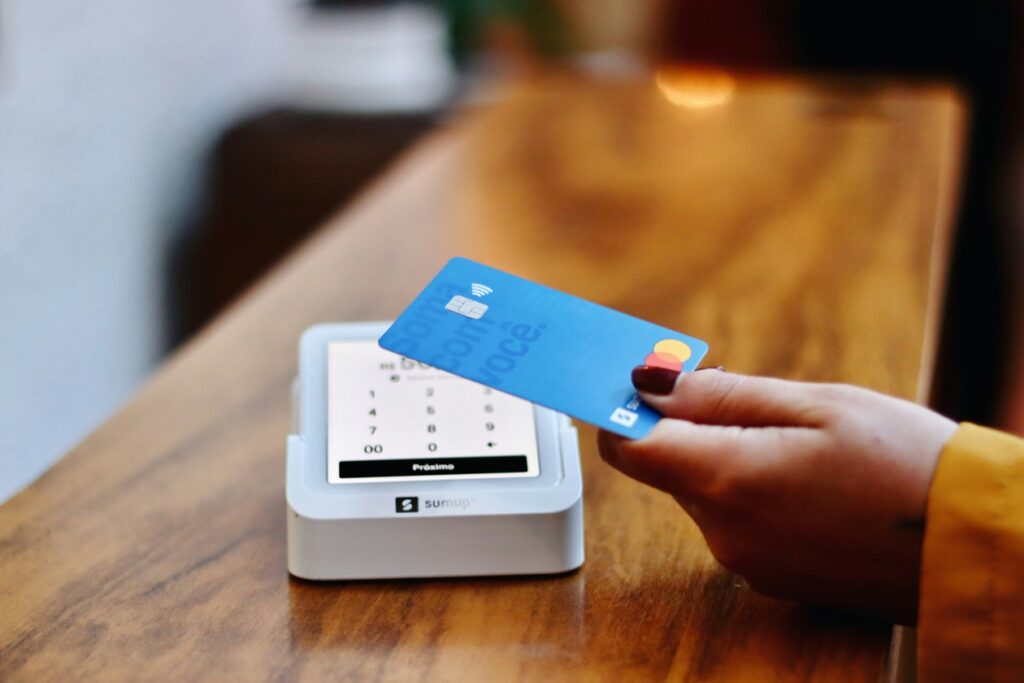
Best for Shopify merchants whose main loss comes from post-checkout fraud and chargebacks, and who want to verify the real cardholder before fulfilling risky orders.
ApexGuard works after checkout, so it performs a different job from bot mitigation. It provides risk scoring on orders flagged by Shopify as well as any additional orders a merchant chooses to screen. It then goes beyond score-only tools by verifying whether the buyer is genuine. Its strongest method confirms a code from the customer’s bank statement that only the true cardholder could supply, which is described as a lower-friction option than manual review or cancellation. Other verification methods are available, and the system is designed to block risky orders automatically while helping recover legitimate sales that might otherwise be lost to false positives.
That focus makes ApexGuard complementary to edge protection rather than a replacement for it. It will not stop the scraper bots ecommerce teams worry about, prevent fake add-to-carts, or remove bot traffic from analytics. It can help reduce chargeback-related costs by identifying unauthorized card use before a product ships. As a Shopify app, setup remains within familiar order workflows, although merchants should review current App Store pricing and verification details before committing.
Key specs
- Deployment: Shopify app for post-checkout order screening
- Coverage: risk scores on Shopify-flagged orders and merchant-selected orders
- Verification: true cardholder checks, including a bank-statement code method and other available methods
- Outcome: automatic blocking of risky orders, with a workflow intended to recover legitimate flagged sales
- Pricing: Shopify app pricing; confirm the current listing, as no verified figure is used here
Pros
- Goes beyond risk scores to actual verification, providing a stronger signal for fulfillment decisions
- The bank-statement code check is difficult for fraudsters to pass without access to the cardholder’s account
- Addresses fraud losses and false positives by attempting to save good orders while blocking bad ones
- Fits naturally into Shopify order review without requiring DNS or theme changes
Cons
- Does not address pre-checkout bot traffic, scraping, or advertising analytics fraud
- Any verification step introduces some friction that may affect uncertain customers
- Has a narrow scope focused on cardholder and order fraud rather than inventory-hoarding bots or content theft
- Pricing and plan limits were not verified for this review and should be checked directly
Who it is best for: stores with rising chargebacks, manual review backlogs, or high-value orders where confirming the buyer before shipment helps protect margin.
4. Tacey – best for AI order and address validation before fulfillment
Best for Shopify merchants whose losses come from bad addresses, reshipping costs, and fulfillment fraud rather than storefront bot floods.
Tacey provides AI order validation built for Shopify. Every order is read and assessed, with delivery address validation using AI reasoning alongside fraud indicators such as billing and shipping mismatches, first-time buyer risk, freight forwarder addresses, suspicious email patterns, and high-value anomalies. Each order receives one of three outcomes: PASS, AUTO-RESOLVE, or FLAG. This three-state output gives staff a clearer path for deciding what can ship, what can be corrected automatically, and what requires human review, rather than leaving them with a long queue of vaguely risky orders. The product is operated by ONDUTYOPS LLC.
This is pre-fulfillment protection rather than storefront bot mitigation. It will not block card testing at the edge or prevent scrapers from copying your catalog. It still earns a place among ecommerce security tools for Shopify because failed deliveries and warehouse labor can quietly erode profit. For brands shipping at high volumes or selling high-ticket items, catching freight forwarder abuse or mismatched address patterns before picking and packing may reduce avoidable costs. Pricing was not verified in our research, so merchants should confirm plan details during evaluation.
Key specs
- Deployment: Shopify-connected validation conducted before fulfillment
- Analysis: per-order AI assessment of address information and fraud signals
- Signals checked: billing and shipping mismatches, first-time buyer risk, freight forwarder use, suspicious email patterns, and high-value anomalies
- Decision output: PASS, AUTO-RESOLVE, or FLAG for every order
- Operator: ONDUTYOPS LLC
- Pricing: not verified; confirm with the vendor
Pros
- Per-order AI review goes beyond static rules when evaluating address fraud
- Catches fulfillment-specific risks, including forwarder addresses, that generic Shopify fraud-prevention tools can miss
- The three-state decision system can reduce the manual review load for operations teams
- Identifies bad shipments before warehouse and carrier costs are incurred
Cons
- Has a post-checkout scope, with no coverage for bot traffic, scraping, or analytics pollution
- No verified pricing, review scale, or customer count was available for comparison
- Narrower than a full fraud platform, with its focus mainly on address and order-signal validation
- Staff still need a process for FLAGged orders to avoid unnecessary shipping delays
Who it is best for: growing Shopify brands experiencing fulfillment problems caused by undeliverable addresses, freight forwarder abuse, or repeated reshipments.
5. Shieldy – best for geolocation and scraper filtering for smaller stores
Best for smaller Shopify businesses that want geolocation access control, IP blocking, and basic scraper filtering without moving immediately to an enterprise platform.
Shieldy focuses on controlling who can reach your store. It offers IP geolocation and country blocking with precision described down to the city level, along with region- and ISP-based access controls. That granularity can help when risk is concentrated in particular areas but a full country block would be too broad. The team behind Shieldy cites experience in network security, machine learning, and the Shopify ecosystem, with positioning centered on securing smaller merchants one store at a time.
Think of Shieldy as an access-hygiene tool rather than a full bot-mitigation platform. It can reduce unwanted browsing, restrict exposure to high-risk regions, and filter some scraper and spy-extension traffic through rules. It does not provide edge-level behavioral AI, card testing defense at scale, or post-checkout cardholder verification. For some early-stage stores, that tradeoff may be acceptable. The controls offer a straightforward way to test whether geographic abuse or scraping is the actual problem. Confirm current pricing and plan limits directly, as no verified fixed figure is used here.
Key specs
- Deployment: app-layer access rules for Shopify storefronts
- Controls: country, region, and city-level geolocation blocking, plus ISP-based rules
- Filtering focus: access from high-risk regions, IP blocking, and basic scraper controls
- Team background: team citing network security, machine learning, and Shopify experience
- Pricing: confirm the current listing, as no fixed figure was verified for this review
Pros
- City-level precision is more targeted than all-or-nothing country blocking
- ISP-level controls add another option beyond IP restrictions alone
- Positioning for smaller merchants may make it suitable for early-stage evaluation
- Uses a simple model based on allowing legitimate regions and restricting risky ones
Cons
- Uses rule-based app-layer controls rather than an edge behavioral system for sophisticated bots
- Geolocation rules can create false positives for legitimate buyers who are traveling or using VPNs
- Access rules require careful setup and periodic review to avoid blocking valid shoppers
- No verified scale, review count, or confirmed pricing was available to benchmark it against larger tools
Who it is best for: lean Shopify SMBs that need Shopify store security controls for regional abuse and casual scraping while they assess whether more advanced protection is necessary.
Frequently asked questions
Should I invest in ecommerce security tools for my Shopify store?
Yes, if you handle meaningful order volume in 2026. At a minimum, most stores need basic Shopify security hygiene and one tool matched to their largest source of loss. Bot-heavy stores should prioritize bot mitigation, while chargeback-heavy stores should focus on order verification. Stores losing money to address errors need pre-fulfillment validation. Shopify’s native fraud analysis can flag risk, but it does not replace dedicated protection against card testing, scraping, or fulfillment abuse.
Is edge-level filtering worth it compared with a Shopify security app?
It is worth considering when bots reach your store at volume. Edge-level bot filtering evaluates traffic before it hits Shopify, helping address card testing attempts, resource use, and polluted data. A Shopify security app acts after arrival and is often sufficient for straightforward IP blocking or order review. Many mid-market brands use both approaches because they protect different stages of the attack chain.
Should I worry about card testing attacks on my checkout?
You should pay attention if you see clusters of small or failed payments, rising gateway fees, repeated declines, or sudden checkout errors. Card testing occurs when bots probe stolen cards using low-value attempts. Edge filtering is intended to block the automated pattern early, while order-verification tools can catch unauthorized use that gets through checkout. Repeated declines should be investigated because they may indicate bot targeting rather than normal customer behavior.
Should I be concerned that bots skew my Shopify and ad analytics?
Yes, particularly when traffic spikes without matching sales, bounce patterns appear mechanical, add-to-cart activity rises without corresponding purchases, or advertising audiences perform inconsistently. Automated browsing, fake add-to-carts, and inventory-hoarding bots can distort conversion data and send poor signals back to ad platforms. Filtering automation before it contaminates reports can be more practical than increasing advertising spend to compensate for unreliable data.
Will bot protection slow my store or block Google, and should I use more than one tool?
Well-designed protection should be configured to avoid slowing the storefront or blocking verified crawlers, but merchants should test the implementation rather than assume that outcome. Edge tools operating outside the render path and allowing verified search crawlers are designed to reduce both risks, while broad IP or country rules require careful testing to prevent false positives. One platform rarely covers bots, fraud, scraping, and address validation equally well, so a common pairing is edge filtering for automated traffic plus one app-layer tool for order fraud or address checks.
Final verdict: choose by threat, not by hype
Choose Nostra Edge Protect if your main problem is pre-checkout automation such as card testing, scraping, fake add-to-carts, or distorted analytics. It is the top pick among ecommerce security tools for Shopify when bots are the primary concern because its DNS-based edge service filters traffic before it reaches the store, rather than functioning as a native Shopify app.
Choose Blockify if you need straightforward IP and country blocking without DNS work. ApexGuard is the better fit when chargebacks and cardholder uncertainty are the costliest issues, while Tacey focuses on bad addresses and warehouse reshipments. Shieldy suits smaller stores evaluating geolocation controls and scraper filtering. Matching the tool to the actual threat is the clearest way to avoid paying for protection your store does not need.