

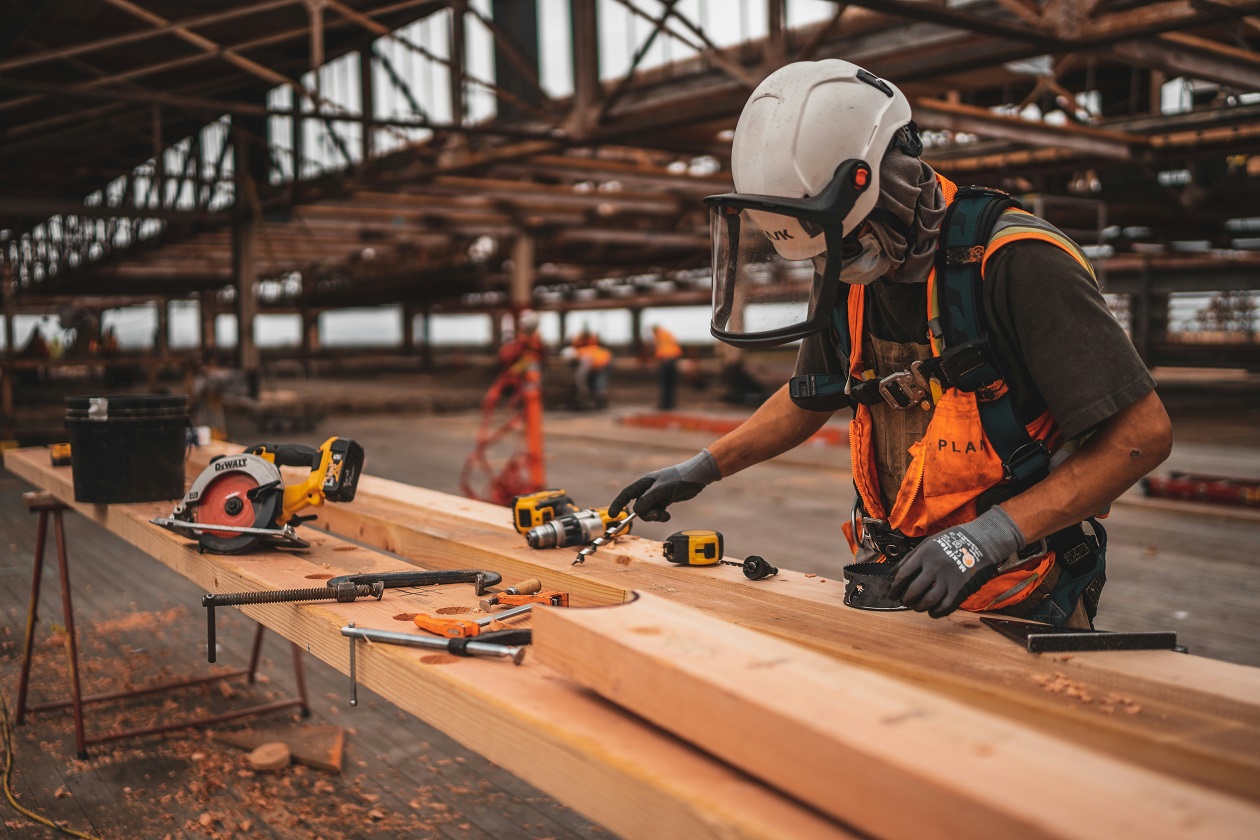
Working alone is part of the job for millions of people. Security guards, cleaners, engineers, delivery drivers, healthcare workers, maintenance teams, and field staff may spend hours without another colleague nearby.
Most of the time, this causes no problems. However, an accident, sudden illness, threatening customer, or unsafe situation can become more serious when nobody else is around.
Companies are becoming more aware of these risks. Instead of simply telling employees to “be careful,” many businesses are using better training, clearer safety plans, and technology such as a lone worker app to help employees feel protected.
Using Lone Worker Apps for Extra Support
One of the biggest changes in lone working safety is the use of mobile technology.
A lone worker app can turn an employee’s smartphone into an important safety tool. Depending on the system, workers may be able to check in at set times, raise an alarm, share their location, or request help.
For example, imagine an engineer visiting an empty building. The worker could check in when arriving and confirm when the job is complete. If the worker misses a scheduled check-in, the system may alert a manager or monitoring team.
This creates an extra layer of support even when the employee is physically alone.
Making It Easier to Raise an Alarm
In an emergency, finding a phone number and explaining what has happened may take valuable time.
Companies are addressing this by giving lone workers simpler ways to raise an alarm. Some apps and safety devices include panic or SOS functions that can quickly send an alert.
This can be useful for workers who deal with the public. Estate agents, social workers, delivery drivers, and healthcare professionals may sometimes enter unfamiliar places or meet people they do not know.
Knowing that help can be requested quickly may give workers greater confidence.
Creating Better Check-In Procedures
Technology works best when it is supported by a clear safety process.
Companies are creating check-in rules based on the level of risk involved. A worker completing a low-risk task may only need to confirm that they have arrived and left safely. Someone entering a higher-risk environment may need more regular contact.
A lone worker app can make this easier because employees do not always need to call a supervisor manually.
Automated reminders can encourage workers to check in without interrupting their job.
Providing Better Safety Training
Apps cannot replace good training.
Companies are teaching employees how to recognise risks before a situation becomes dangerous. This may include learning how to deal with aggressive behaviour, identify unsafe work areas, handle equipment correctly, and know when to leave a situation.
Workers should also understand exactly what happens after they activate an alarm.
A safety system is much more reassuring when employees know who receives the alert and what action will follow.
Reviewing Risks Before Work Begins
Another important step is carrying out risk assessments.
Employers can look at where staff work, what tasks they perform, how long they are alone, and what could go wrong. A cleaner working alone in an office may face different risks from an engineer repairing equipment at a remote site.
These assessments help companies decide what protection is actually needed instead of using the same approach for every worker.
Building a Stronger Safety Culture
Making lone workers feel safer is not only about installing technology. Employees also need to feel comfortable reporting concerns.
Companies can encourage workers to speak up about unsafe locations, difficult customers, poor procedures, or situations where they felt vulnerable.
Combining open communication, practical training, regular check-ins, risk assessments, and a reliable lone worker app can create a much stronger safety system.
Lone workers may still work independently, but that does not mean they have to feel completely on their own.